
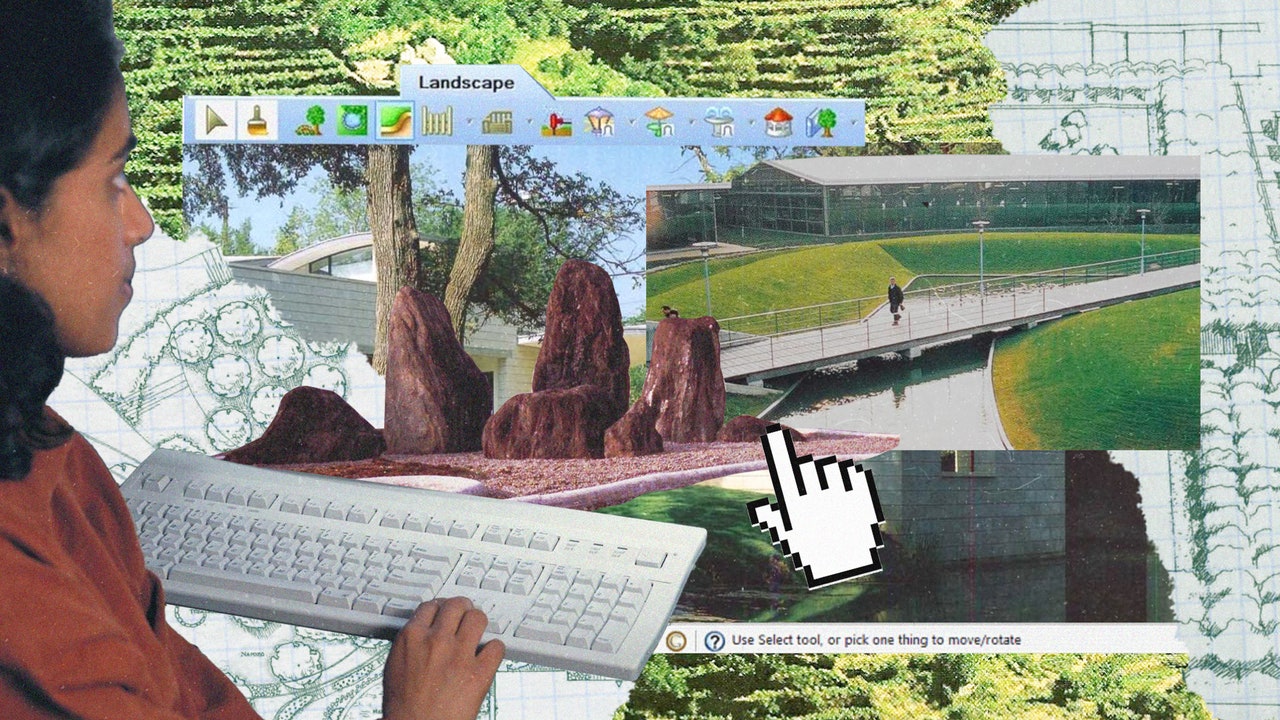
With the aid of intuitive, user-friendly landscape design software, exterior architects and designers can easily streamline the time-consuming practices that threaten to bog down projects. No matter the objective—whether it’s plotting a detailed garden layout, creating a technical drawing, dreaming up realistic renderings and animations, or even mapping terrain and hashing out strict budgets—these handy tools are critical for running a business that thrives on equal-parts imagination and organization.
Not sure which landscape design software programs and apps are right for your practice? Consider these 10 expert-approved options that are sure to take your verdant exteriors to the next level.
Get Growing
Find a landscape designer in your area with the AD PRO Directory, our network of AD-approved professionals. Start your search
Arrow
The basics:
Adobe Creative Cloud is a go-to for landscape architects and designers because its extensive library includes Photoshop, Illustrator, InDesign, and Premiere Pro all in one convenient location.
The specs:
Operating system: Windows and MacPlan: Subscription model
The pros:
Suite of Adobe apps integrate well and work across multiple devicesFile sharing is a breeze
The cons:
PriceyLarge number of features can be overwhelming to navigate and not always useful
The cost:
Begins at $69.99 per month
The basics:
An alternative to laborious hand drawings, AutoCAD is a fast, efficient drafting solution.
The specs:
Operating system: Windows but can be run on Macs through virtualization softwarePlan: Subscription model
The pros:
2D drafting and 3D modeling capabilitiesAccurate designs
The cons:
Complex files tend to mean slow performanceThe need for high RAM
The cost:
 14 Gardens Every Design Lover Must See in Person
AD PRO tapped experts to name the most inspiring gardens around the world that have influenced their work—here’s what came back
The basics:
Land F/X customizes and colorizes plans, making smart use of pre-filled data and placement and error check competencies. On the less glamorous administrative side, it generates schedules in seconds.
The specs:
Operating system: Windows but can be run on Macs through virtualization softwarePlan: Subscription model
The pros:
Massive database of more than 50,000 plants to choose fromGenerates instant, automated plant labels
The cons:
It’s a plug-in that requires CAD, SketchUp, Revit, or Land F/X’s exclusive F/X CADPotential configuration issues
The cost:
The basics:
Lumion makes it easy for landscape architects and designers to visualize their projects from a vast library of models, special effects, light profiles, and utilities.
The specs:
Operating system: WindowsPlan: Subscription model
The pros:
Clear interfaceFast rendering speed
The cons:
Limited modeling and animation capabilitiesRenderings don’t always yield life-like results
The cost:
The basics:
Dedicated to sketching and drawing, Morpholio Trace allows landscape architects and designers to tackle schematic designs, architectural drawings, and markups with an assist from tools like stencils and augmented reality.
The specs:
Operating system: iOSPlan: Subscription model
The pros:
Full drawings and markups can be made in-appThe clever “Super Ruler” feature leads to precise, adjustable drawings
The cons:
Limited drawing styles and landscape material optionsRaster based instead of vector based, so images can become blurry and pixelated when scaled up
The cost:
The basics:
Both the Home & Landscape Design Architectural and Professional Series from Punch! span house plans, annotation tools, and libraries full of materials, objects, and accessories to conceptualize blueprints and 3D-model templates that put decks and patios in the spotlight.
The specs:
Operating system: Windows and MacPlan: Subscription model and license
The pros:
The cons:
Limited flexibilitySteep learning curve
The cost:
Begins at $99.99 per year
The basics:
There are more than 6,000 plants to choose from in the Realtime Landscaping Pro library, and via the Plant Growth tool, architects and designers can predict the evolution of a garden over the years to best determine spacing and sizing.
The specs:
Operating system: WindowsPlan: Perpetual license
The pros:
Virtual walkthroughsCustomization of materials, plant symbols, and textures
The cons:
Limited plant selection in certain climatesTerrain tools can be tricky to use
The cost:
The basics:
Rhino 3D appeals to landscape architects and designers for its versatility, SubD modeling, and compatibility.
The specs:
Operating system: Windows and MacPlan: Perpetual license
The pros:
Mathematical NURBS surfaces translate to seamless modeling of complex shapesAmple easy-to-follow tutorials
The cons:
Outdated interfaceBuilt-in renderer is best for the basics
The cost:
The basics:
Professional 3D software for landscape designers and architects, SketchUp is ideal for collaboration and presentations. The free version is convenient for personal use and only requires a web browser.
The specs:
Operating system: Windows and MacPlan: Subscription model
The pros:
The Extension Warehouse’s array of plug-ins addresses specific needsAccessible to beginners
The cons:
Challenging for complex, irregular curvesReliance on extensions can be a drain
The cost:
The basics:
2D drafted plans effortlessly evolve into 3D site modeling with Vectorworks Landmark. Pre-development analysis, schematic design, development, and construction documents are all part of the mix.
The specs:
Operating system: Windows and MacPlan: Subscription model
The pros:
Custom curb, border, and edging toolAdjustable elevation modifier points
The cons:
Cluttered interfacePlant database lacks diversity
The cost:
Get AD-Approved
Join the AD PRO Directory, our professional network that puts you in front of the right clients. Learn more
Arrow.png) Frequently Asked Questions
Frequently Asked Questions
What are some of the unexpected perks of landscape design software?
Beyond the drafting and visualization simplified by software, these programs can reduce the risk of error with their precise measurements, whittle down time spent on tedious tasks, and make it a cinch to share documents and presentations with colleagues and clients anywhere in the world thanks to cloud -based tools. Vegetation placement and environmental assessments through GIS and site analysis tools are also boons.
Is there a free program for landscape design?
Yes, there are several. Planner 5D creates outdoor plans in 2D and 3D with drag-and-drop technology, as does SmartDraw, with its customizable templates and ready-made symbols for plants, furniture, and pools. Those who opt for PRO Landscape + also have access to PRO Landscape Companion, a complementary tablet app available at no additional charge.
What is the best DIY landscape design software?
iScape is great for homeowners, empowering them with thousands of plants, as well as fire pits, hardscapes, and fences to scroll through and work into their design schemes. Upload a photo from your camera roll and within minutes you can begin editing, beginning with tracing the outline of the ground cover.
Is there a flexible software program out there that handles both interiors and landscape design?
Kristin Monji is a big fan of Adobe Creative Cloud’s Illustrator and InDesign applications for good reason. “I think Illustrator is one of the most underrated programs for landscape design. You need to import icons and materials, but the floor plans you can create are visually stunning compared to more traditional landscape design-oriented programs,” explains the principal of New York-based AD PRO Directory firm Birch and Basil Design. “For people who do comprehensive landscape design, especially in urban areas that involve plants, hardscaping/flooring, kitchens, and other custom elements and furniture, I highly recommend that they take a look at Illustrator for their needs.”
How can hand drawings and landscape design software complement each other?
At Studio Arth in Miami, an AD PRO Directory-listed practice, founder Rituparna Simlai and her team prefer Rhino to other 3D programs because it “allows one to create forms and shapes that are fluid and more natural while being accurate. One of the best features is the ability to integrate with Grasshopper, a visual programming software that can simplify the mundane aspects of design,” she explains. Although Simlai recommends it for modeling, Studio Arth reserves Rhino for “site analysis such as hydrological flow and slopes, solar studies, and even to automate paving patterns for large sites. When it comes to design, we are old school and like to draw it on trace paper. For sacredness in design and real space making, we need hand-eye coordination.”
How to choose the right landscape design software for you
Melissa Gerstle, principal of her eponymous AD PRO Directory landscape design practice, uses a range of software programs to assist in her projects, including AutoCAD, Photoshop, SketchUp, Canva, ProCreate, and Morpholio Trace. Her advice? “Look to the industry standards to ensure that your investment in software is compatible with what other architects and interior designers are using,” she says. “It’s also important to easily find new hires who are familiar with your software and can hit the ground running. Finally, find the best fit for your workflow—ensuring that you can integrate the right software programs into your processes in ways that will enhance collaboration, creativity, and productivity.”